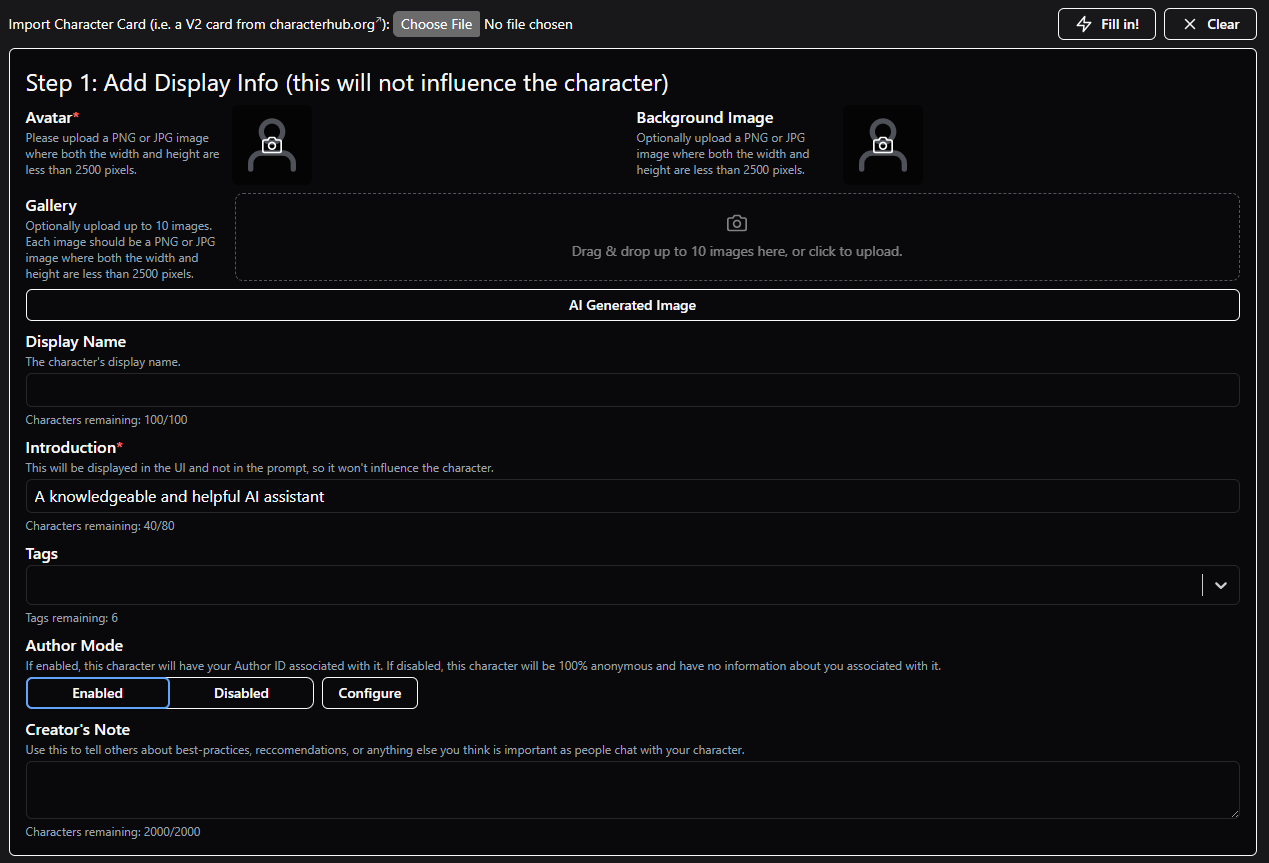
The UI for Character Creation at HammerAI.com is dated but straightforward: it walks creators through the process step by step with on-screen guidance. “Don’t make me think” comes to mind with this one.
Why this is important: It’s been noted by a lot of us fans of the Character feature of Venice, that the quality of characters is often dismal. Much of this is due to creators appearing to not really understand the depth they can add, models to select (most default to Uncensored, even though it’s usually a poor choice for roleplay), and leave important areas like system prompts blank.
With a character setup process like this (all one screen with no “optional” tabs to ignore, hand-holding with on-screen explanations), more creators will recognize what’s available and it will minimize blank fields and thus fewer generic characters.
Venice could learn a lot from HammerAI with this aspect alone, but also other features on the site, such as upvoting/downvoting, leaderboards, character gallery (allowing more than one image per character), inline image generation, and more.